Campaigns
What is Campaign?
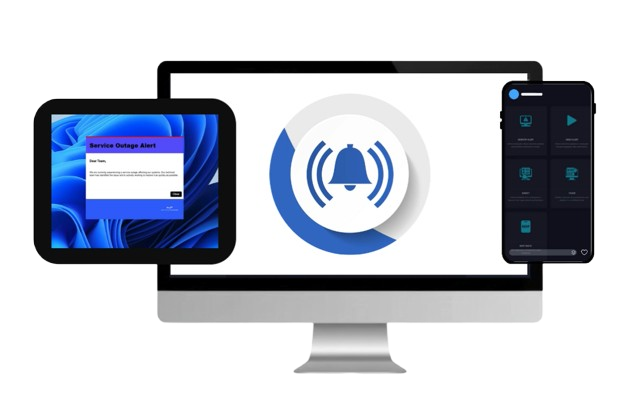
Campaigns are pre-planned communication messages that you send to users to deliver important updates, reminders, or announcements. Instead of sending one message at a time, campaigns allow you to create a series of alerts, schedule them, and target the right people.
-
100% Guaranteed Visibility for Critical Notifications
-
Cuts Through Email Noise & Avoids Inbox Overload
-
Enterprise-Grade Performance for High-Volume Alerts
Capture Employee Attention Instantly with High-Priority Desktop Alerts
Employees receive an average of 120 emails every day—making email an unreliable channel for urgent or time-sensitive internal communication.
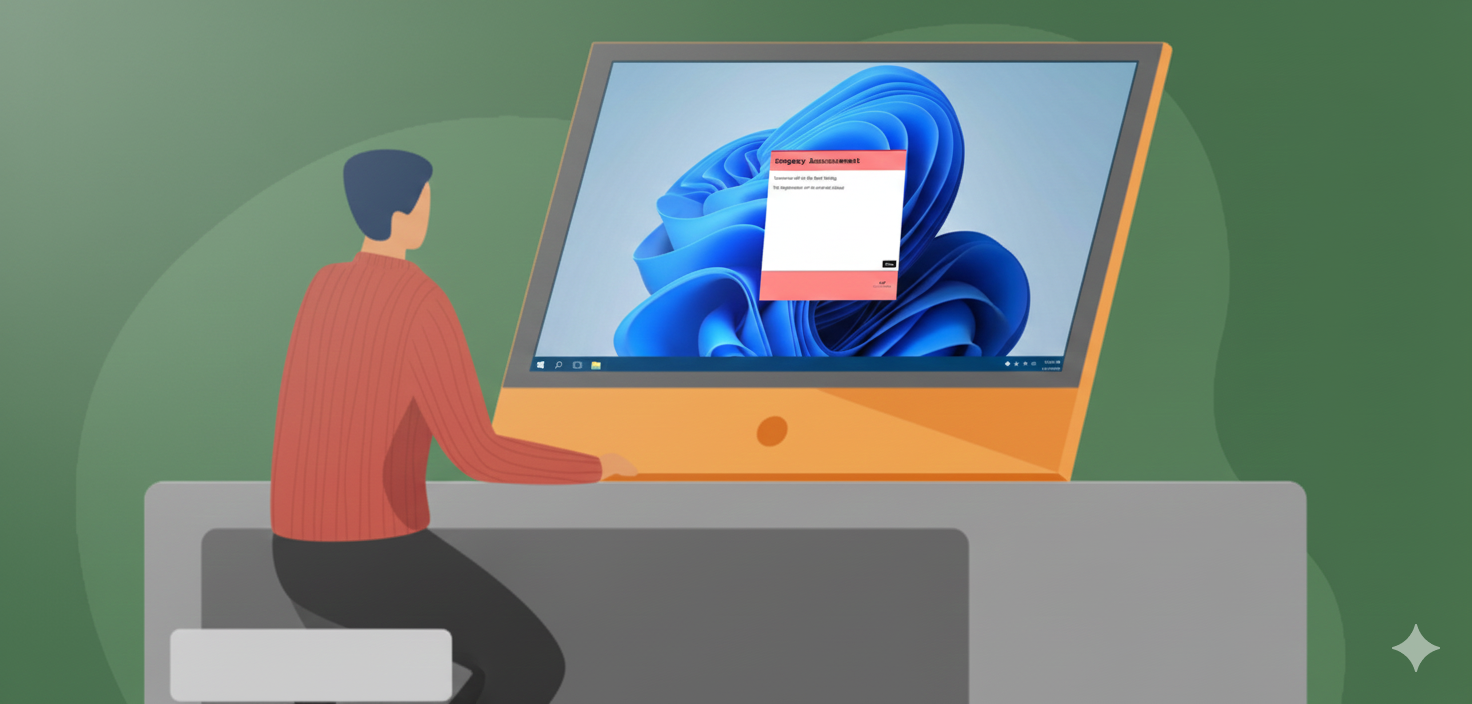
With Alert Fusion Pro, desktop pop-up notifications ensure your critical messages are immediately seen, never buried, and impossible to overlook. Your alerts:
-
Display on top of all open windows, guaranteeing instant visibility
-
Provide real-time confirmation, allowing you to verify employee safety and message acknowledgment
-
Can appear as full-screen or partial-screen alerts, depending on the urgency and priority
Boost Employee Engagement with Rich, Interactive Alert Content
Desktop alerts deliver highly visual, attention-grabbing messages that create a sense of urgency—making them ideal for communicating critical updates and high-priority information.
Alert Fusion Pro enhances engagement with a wide range of content formats and interactive options, ensuring every message is both impactful and easy to act on:
-
Send rich content: text, images, videos, files, links, HTML messages, newsletters, surveys, and RSVPs
-
Flexible opt-in / opt-out settings for non-urgent or optional alerts
-
Enable social reactions for quick employee feedback and increased interaction
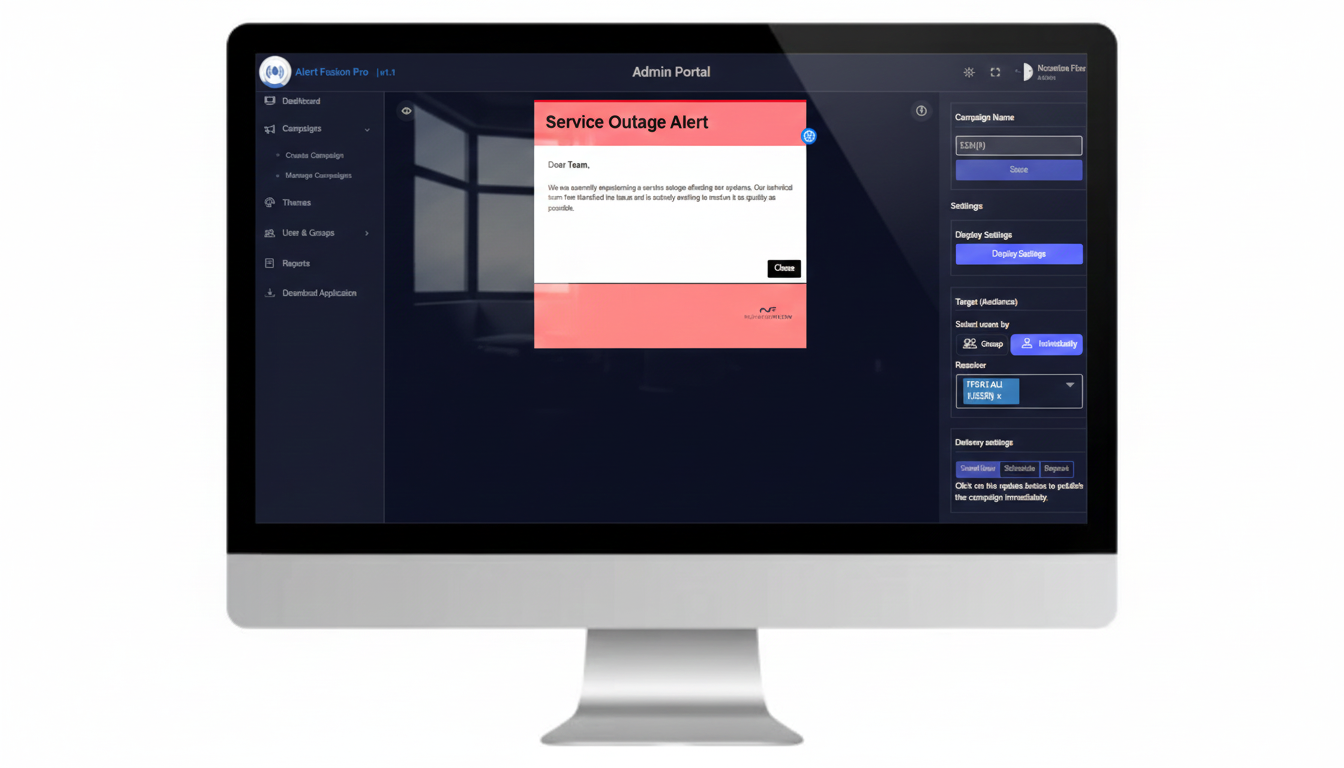
How to Manage Campaigns in Alert Fusion Pro
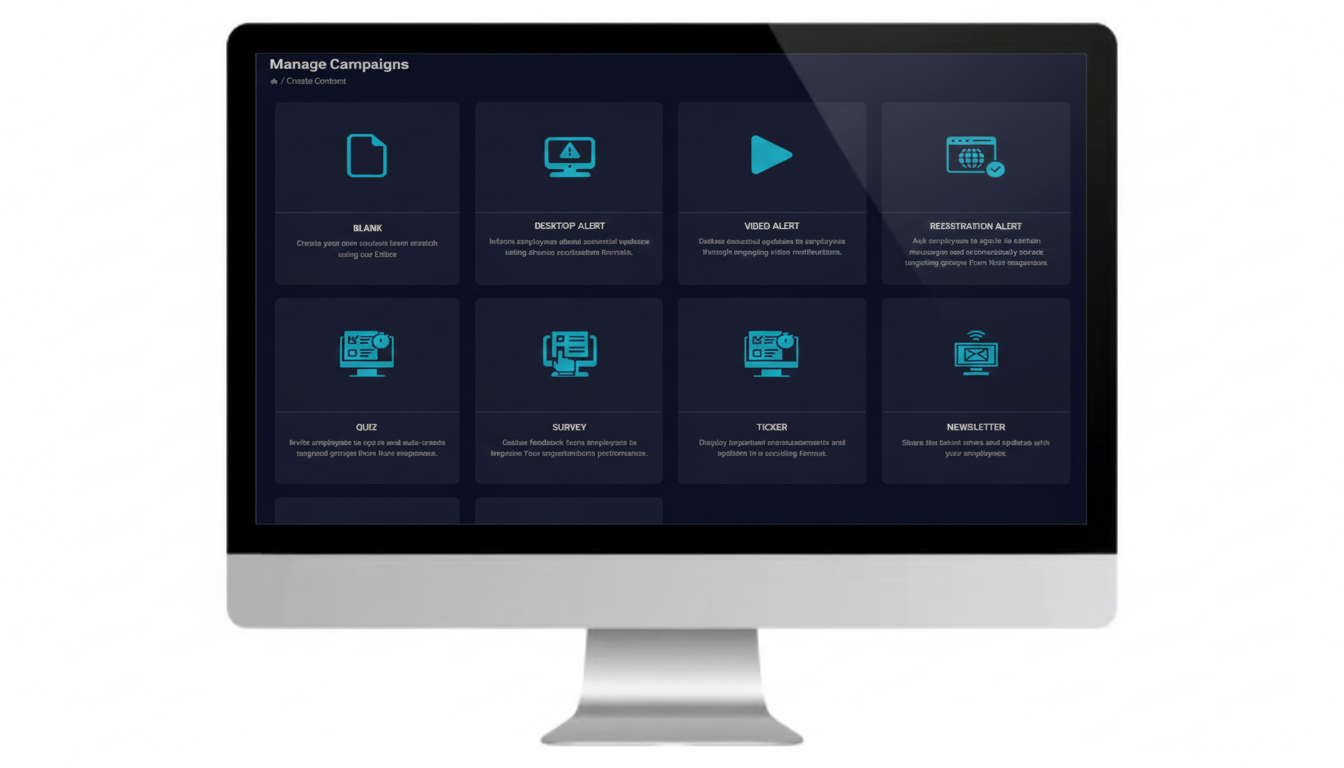
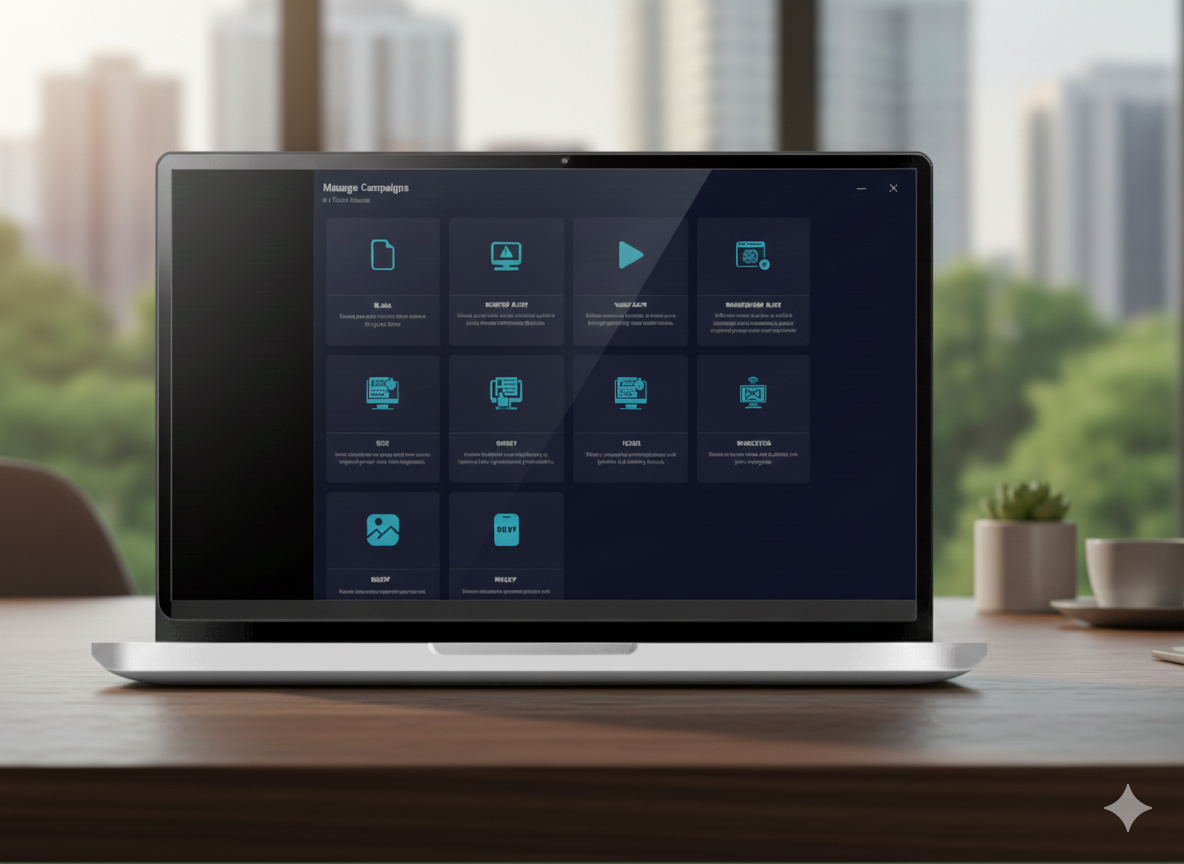
Create and deliver campaign messages effortlessly using a powerful, web-based control panel. Customize the size, layout, and visual design of every campaign alert—choose from built-in templates or apply fully branded custom skins
-
Set campaign screen position, priority, duration, acknowledgments, and delivery options.
-
Target specific teams or departments precisely using Active Directory integration.
-
Ensure instant, reliable delivery of campaign notifications across all devices via the Alert Fusion Pro app.
Enhance internal communications with pop-up alerts
With our desktop alerting system you get a separate channel for urgent and vital communication with no digital clutter and guaranteed 100% visibility of corporate messages
+
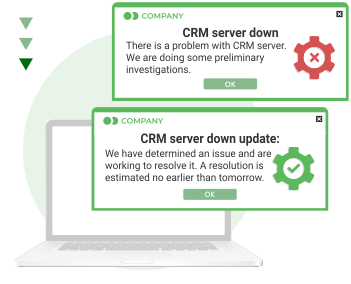
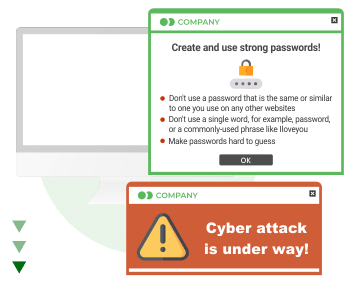
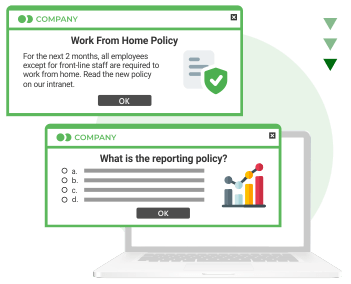
Desktop Alert
Desktop Alert
-
Inform employees about essential updates using diverse notification formats.
+
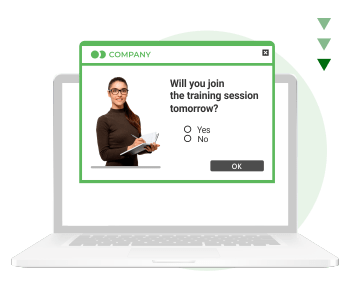
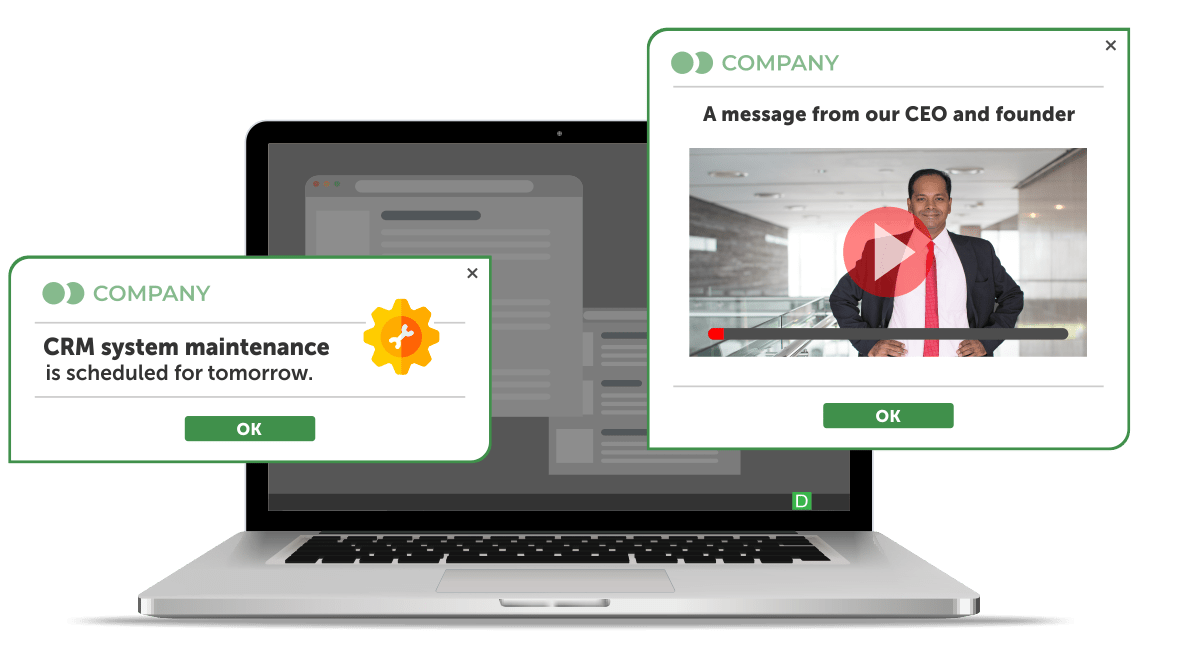
Video Alert
Video Alert
-
Deliver essential updates to employees through engaging video notifications.
+

Survey
Survey
-
Gather feedback from employees to improve Your organisation's performance.
+
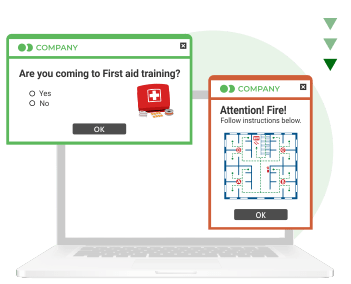
Ticker
Ticker
-
Display important announcements and updates in a scrolling format.
+
Registration Alert
Registration Alert
-
Ask employees to opt-in to certain messages and automatically create targeting groups from their responses.
+
Wallpaper
Wallpaper
-
Set a custom wallpaper on users' devices in your organisation.
Alert Fusion Pro Tool Feature
Message templates
Customize alerts with different templates designs that can be used to indicate a different message audience or sender, message topic or message severity level. Create your own templates with the skin editor.
Scheduled Messaging
The PC alert tool lets you schedule notifications in advance to send at a later date. Schedule messages for a particular date and time.
Message Statistics
Reporting features allow the sender to determine how effective the communication was It can be used to keep track of who is attending each session.
Flexible settings
Change the placement on the screen and the size of alerts, the level of intrusiveness (it can block the entire screen or be less intrusive), choose self-destructing or regular mode etc. Send pop-up alerts requiring a reading confirmation.
Integration
Integrate the pop-up notification tool with other software systems you use to receive and send messages when a new ticket appears, the production line stops, or another urgent situation arises.
Different channels
When creating a pop-up alert, you can choose to send it as a desktop pop-up alert, scrolling ticker, mobile notification or even as an email.
Related Articles

TRY DESKALERTS DESKTOP ALERT SOFTWARE
DURING THE FREE TRIAL PERIOD