Panic Button
What is the Panic Button?
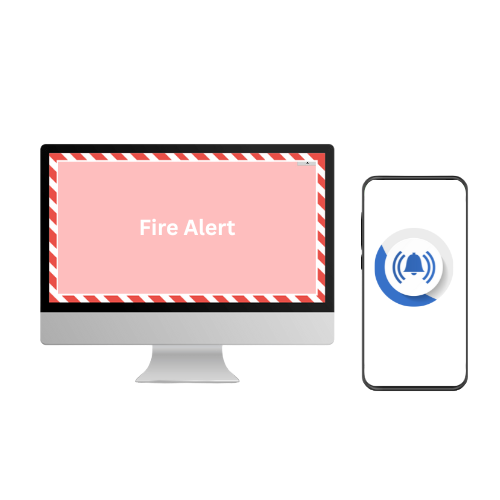
A panic button enables fast, immediate action during workplace emergencies and Alert Fusion Pro’s virtual panic button delivers the same instant response.
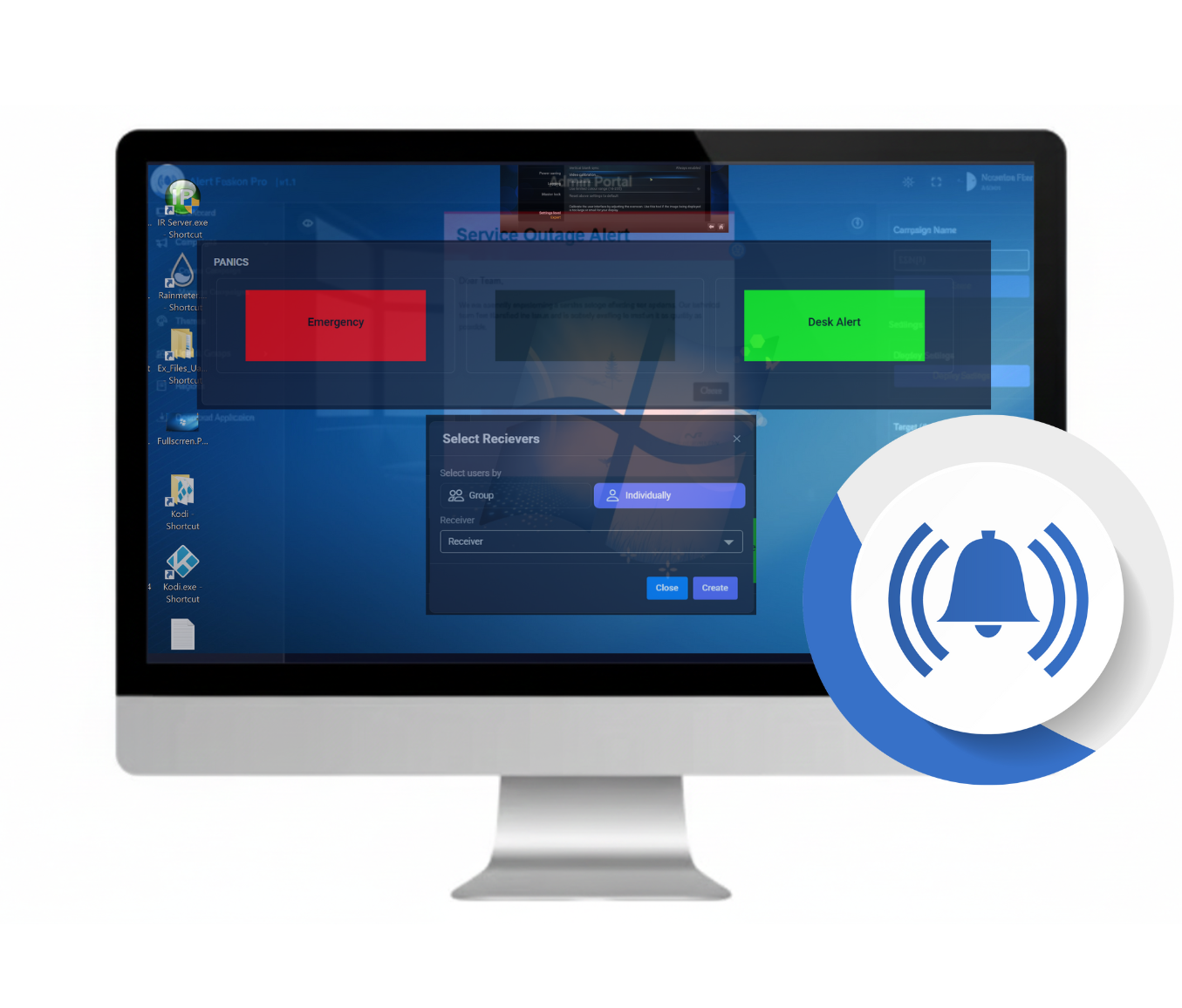
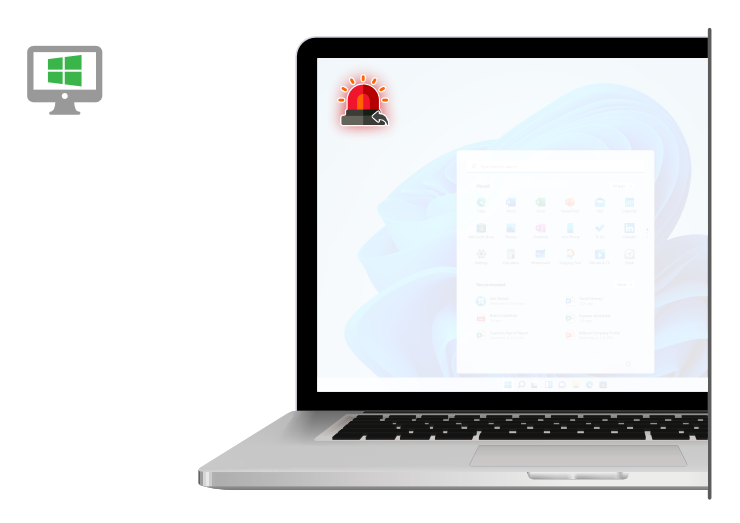
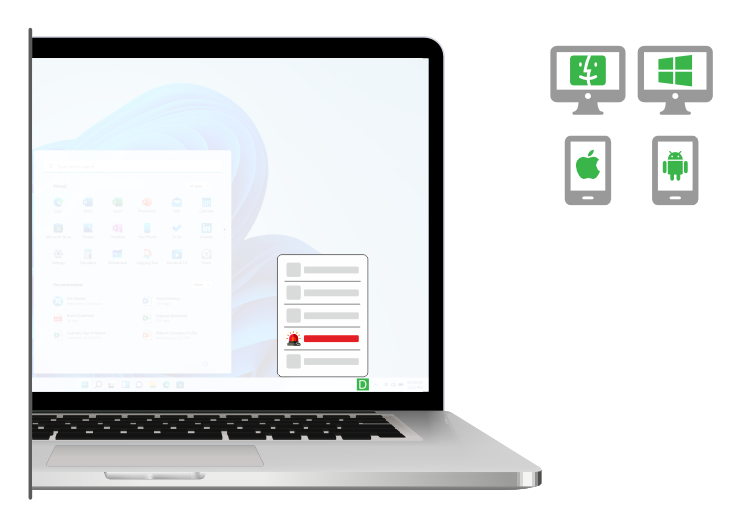
Custom shortcuts are created in advance and placed on the desktops or mobile devices of authorized staff. With a single click, the panic button triggers rapid emergency notifications across all employee devices, including desktops, laptops, mobile phones, and on-site digital screens
Rapid Panic Notifications for Critical Situations
Act fast during critical situations to protect your people and your business. With Alert Fusion Pro, preset emergency shortcuts let you send urgent notifications instantly reaching up to 10,000 employees within seconds.
A single click triggers high-priority alerts across PCs, laptops, and tablets, ensuring no one misses essential information when it matters most.
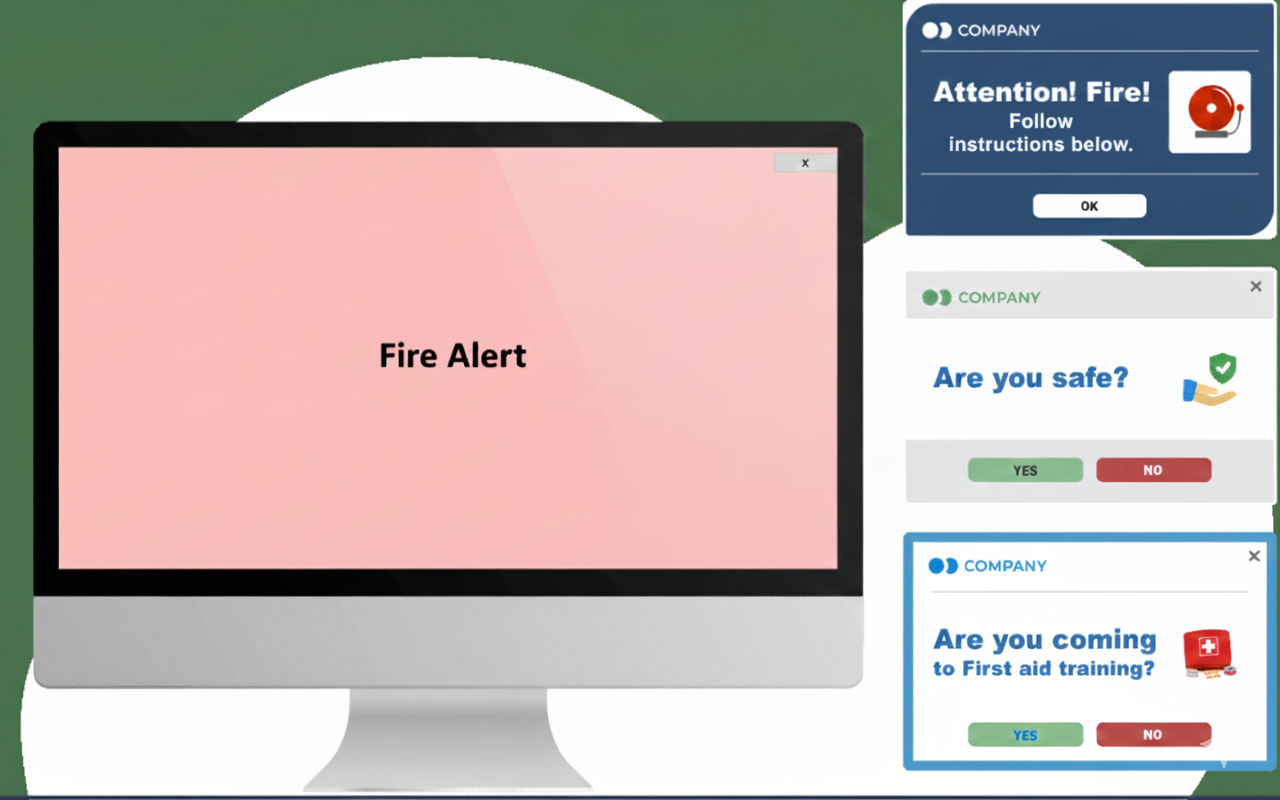
Use these shortcuts to deliver pop-up alerts, full-screen warnings, or scrolling ticker messages, giving you complete control over how emergency updates are displayed.
Pre-Configured Emergency Alerts for Instant Response
-
Save valuable time during emergencies by creating pre-defined alerts for common scenarios such as fire, intruders, severe weather, and more.
-
Use color-coded alert categories to instantly identify the type of emergency and publish messages faster.
-
Customize templates to match your needs—adjust colors, titles, and text, or include visuals like evacuation maps and emergency videos.
-
Target the right audience with precision. If an incident affects only one floor or area, you can send alerts specifically to those staff members only.
Easy to Send and Simple to Track
Effortlessly deliver urgent updates, scheduled announcements, or automated news tickers with full control over what reaches your employees. Track delivery status and read statistics in real time to measure impact, boost engagement, and continuously improve communication performance.
All notifications are instantly delivered through the Alert Fusion Pro app installed on employees’ devices.
Alert Fusion Pro Tool Feature
Message Statistics
Find out who saw your messages and when they saw them.
Active Directory
Synchronize your Active Directory over limitless domains.
Targeting
Reporting features allow the sender to determine how effective the communication was It can be used to keep track of who is attending each session.
Flexible settings
Change the placement on the screen and the size of alerts, the level of intrusiveness (it can block the entire screen or be less intrusive), choose self-destructing or regular mode etc. Send pop-up alerts requiring a reading confirmation.
Integration
Integrate the pop-up notification tool with other software systems you use to receive and send messages when a new ticket appears, the production line stops, or another urgent situation arises.
Different channels
When creating a pop-up alert, you can choose to send it as a desktop pop-up alert, scrolling ticker, mobile notification or even as an email.
Not every message will be relevant to every employee in your organization, so you can use the customizable desktop ticker software to set up specific groups of recipients based on your Active Directory. This allows you to send tailored information to individual teams, work groups, specific departments, or your entire company using the news ticker app.
There are numerous ways to make the most out of a desktop ticker to improve communication with your staff. For instance, you can set multiple headlines, add hyperlinks, and determine how users will receive or dismiss the scrolling ticker.
By using the scheduling features of the desktop ticker tape, you can plan for it to appear on specific dates, ensuring timely delivery of information. Additionally, the metrics tools available within the software help you gauge the effectiveness of your messages, allowing you to continually refine your communication strategy.
TRY ALERT FUSION PRO SOFTWARE
DURING THE FREE TRIAL PERIOD